Docs / Create Launch / Clone Token
Clone Token
Duplicate an existing token's metadata to use as a starting point for a new launch.
How It Works
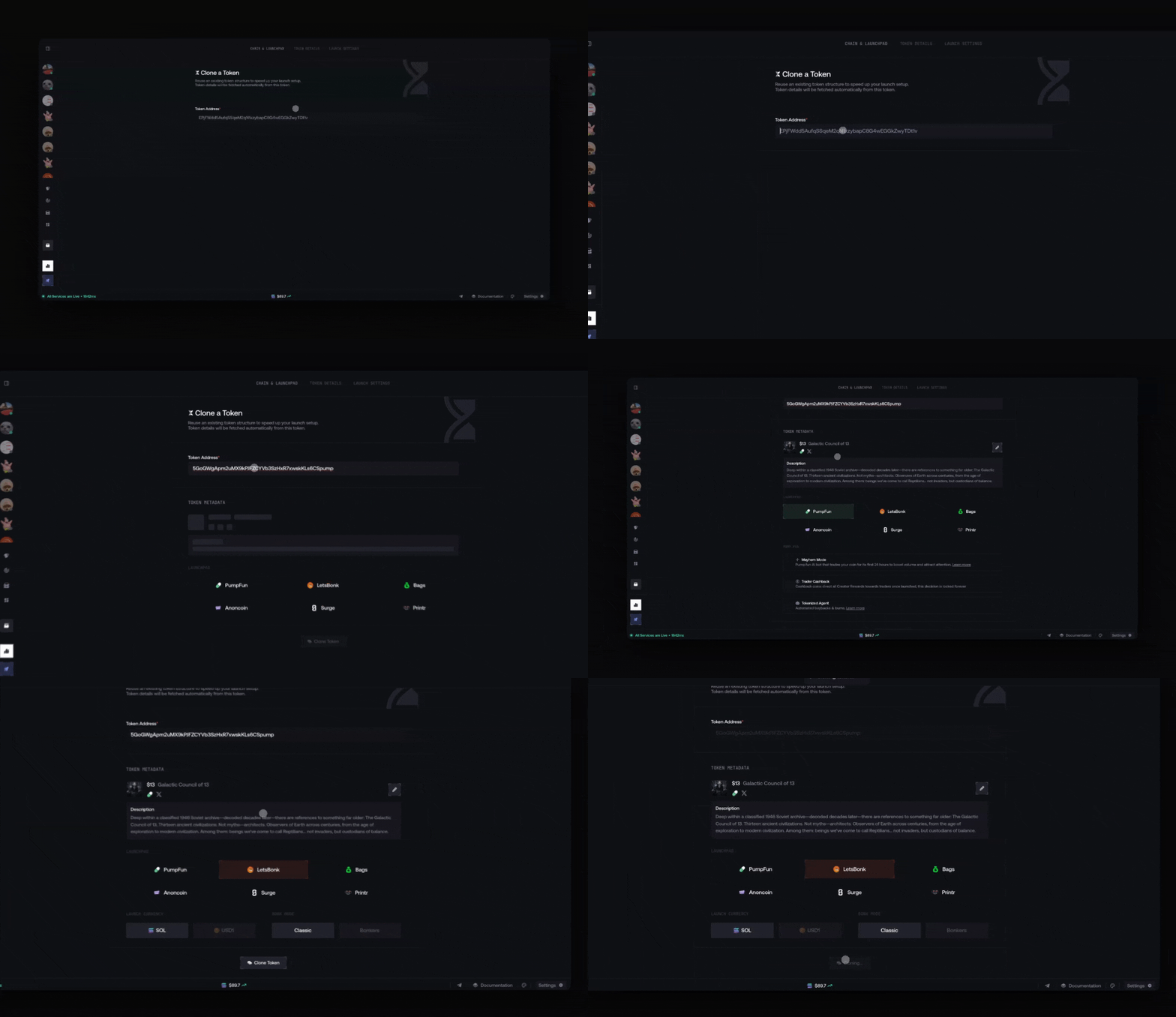
Once loaded, you can:
- Review and edit the token metadata (name, symbol, description, image)
- Select the launchpad for the new launch
- Configure launchpad-specific options
The flow then continues like a normal launch creation.
Clone from an Existing Bundle Launch
The clone button is available on both Live and Draft launches. Look for the clone icon on any launch page.

The page opens with the token address and metadata already prefilled.
{% hint style="info" %} Cloning only copies metadata. Launch settings (execution mode, wallets, funding) are configured separately. {% endhint %}